So, in mid-2022, I bought a 2014 Kia Soul+. I LOVE the car, but the one thing it didn’t have was a backup camera. I had VERY briefly looked at what it would take to add one soon after I bought it and wrote it off as being too expensive and/or too hard to install without doing too much research. Fast forward to November or so. The boss was wondering what I wanted for Christmas and mentioned a camera for my car. After doing a little more serious digging on the interwebs, I found this video (KIA SOUL Back-Up Camera Install by Smooth Customs) detailing an install of a backup camera in a Soul very similar to mine using a video-enabled rearview mirror as a monitor. As I was watching the installation, I kept telling myself, “Yeah, I can do that.” With newfound confidence, I went shopping.
Shopping and Purchasing
After what seemed like an eternity of Amazon and eBay shopping, I landed on the pieces I needed.
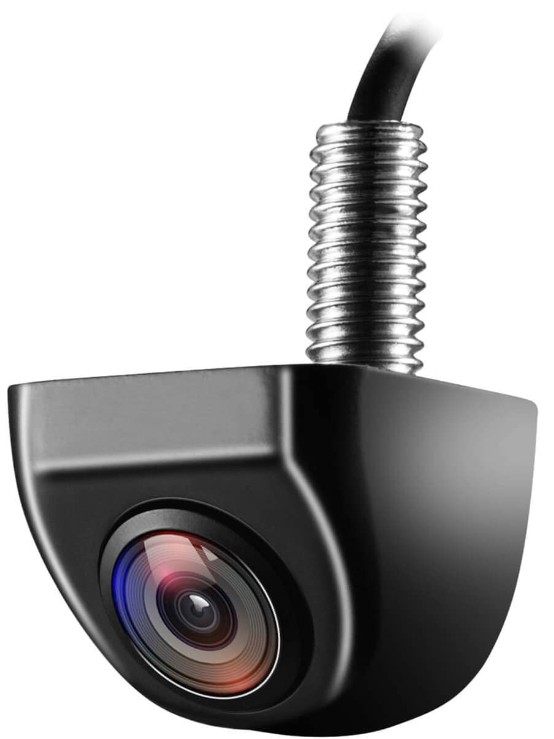
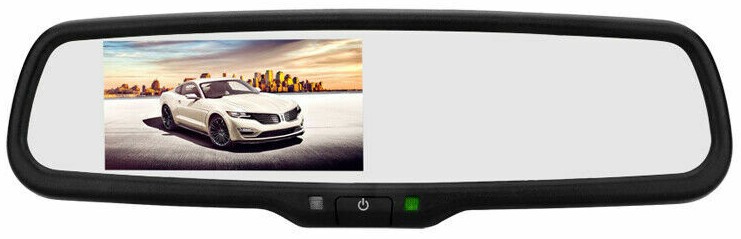
I chose the camera (NITAKA Reverse Camera WD-011) based on the specs (including the wide 170° viewing angle) and the OEM look. While not a Kia Soul OEM look, I still like the looks of it especially now that it’s been installed. For the mirror (iPoster Rear View Mirror Monitor EH-9040-RV), I chose the one that was mentioned in the video to make sure the mounting bracket would fit on my windshield “button.” I’ve had to replace one of those before and really did not want to do it again if I could avoid it.
Unboxing and Testing
It wasn’t easy waiting until Christmas morning for my new toys, but it was worth it. I unboxed the items and here’s what I got.
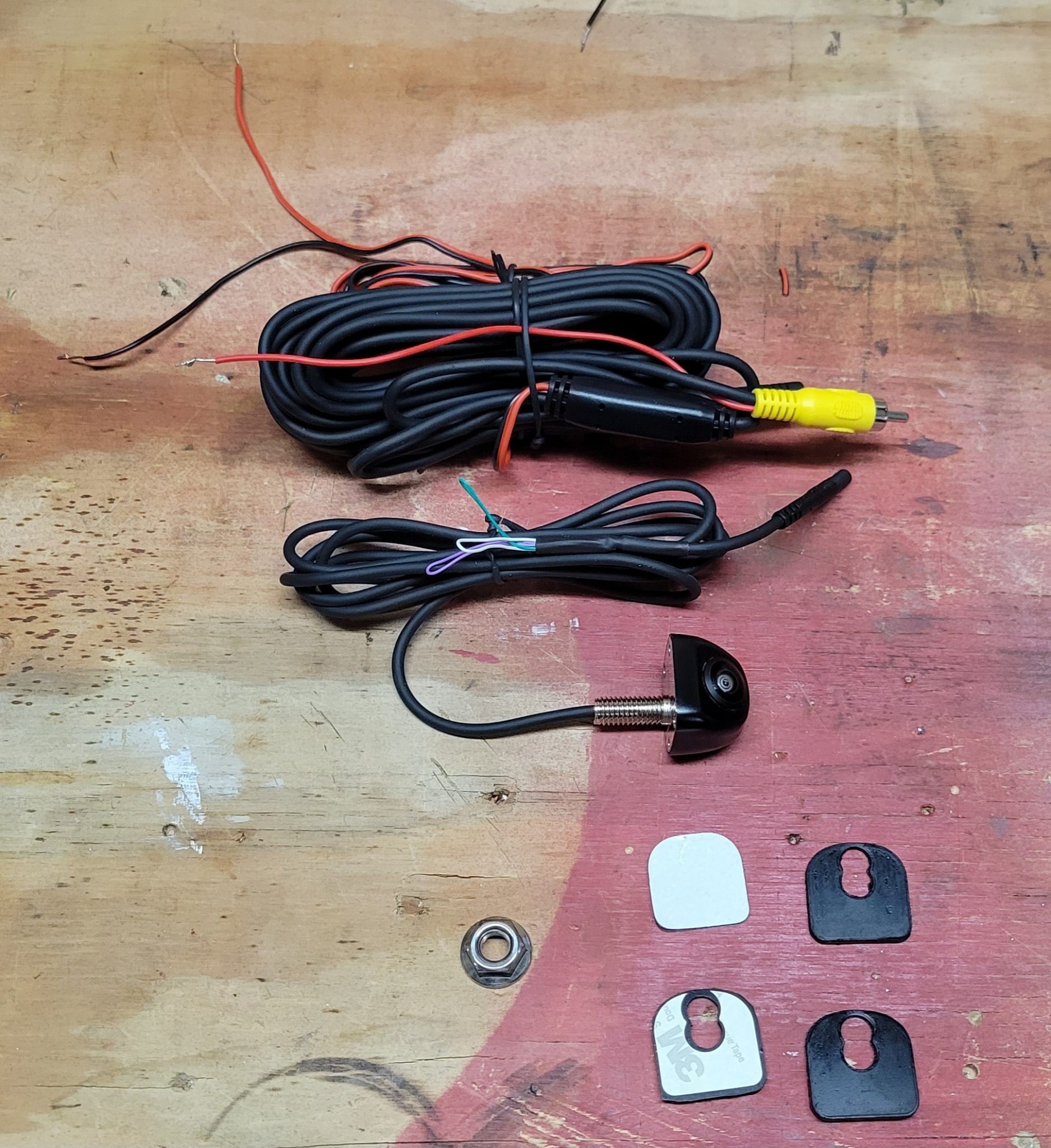
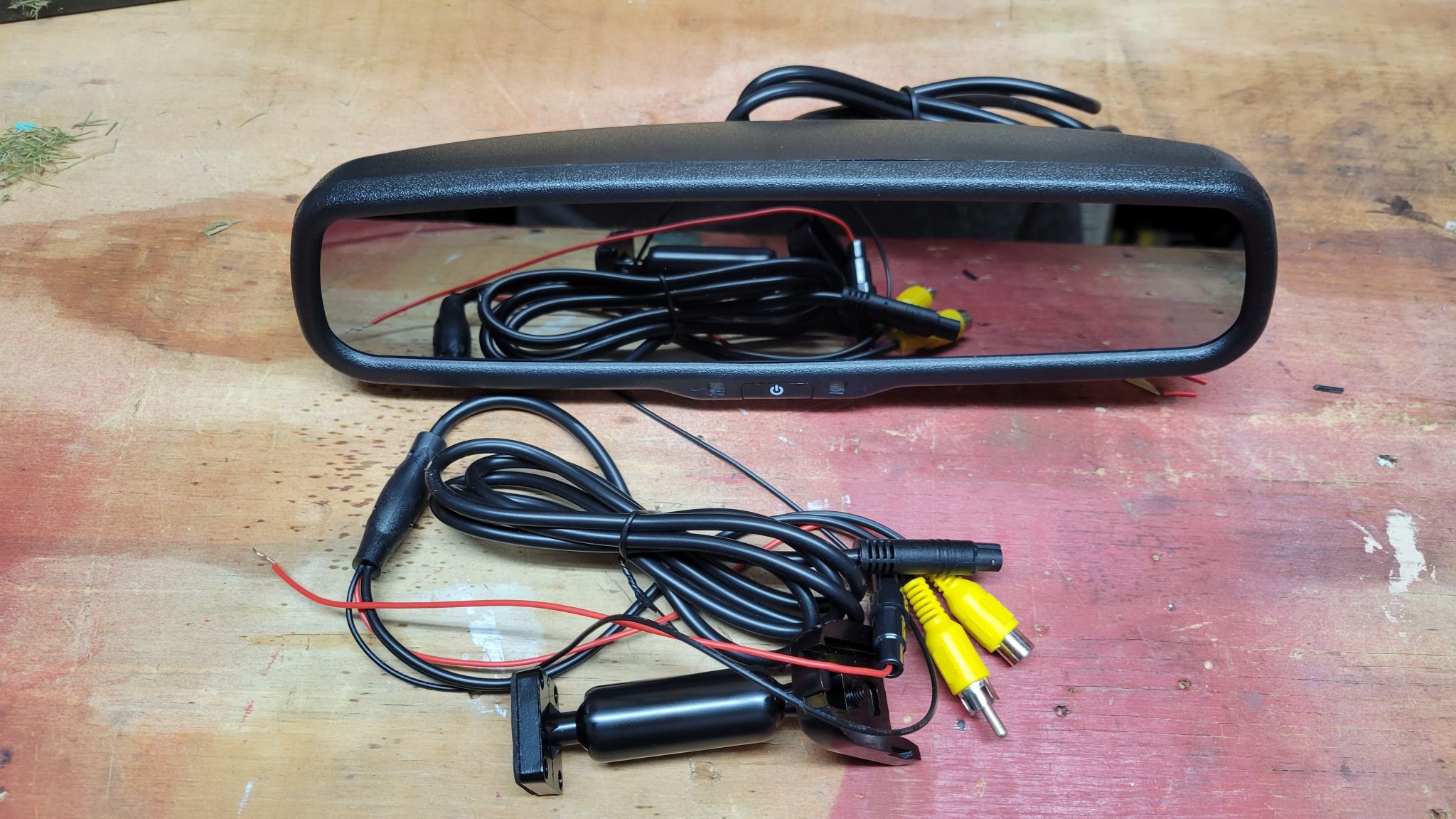
I decided to test things out to make sure they worked as advertised before I began any installation so I could return anything if I needed to without needing to rip out any install work. Thankfully, I had my 12V lawn tractor battery in storage on my workbench for the winter.
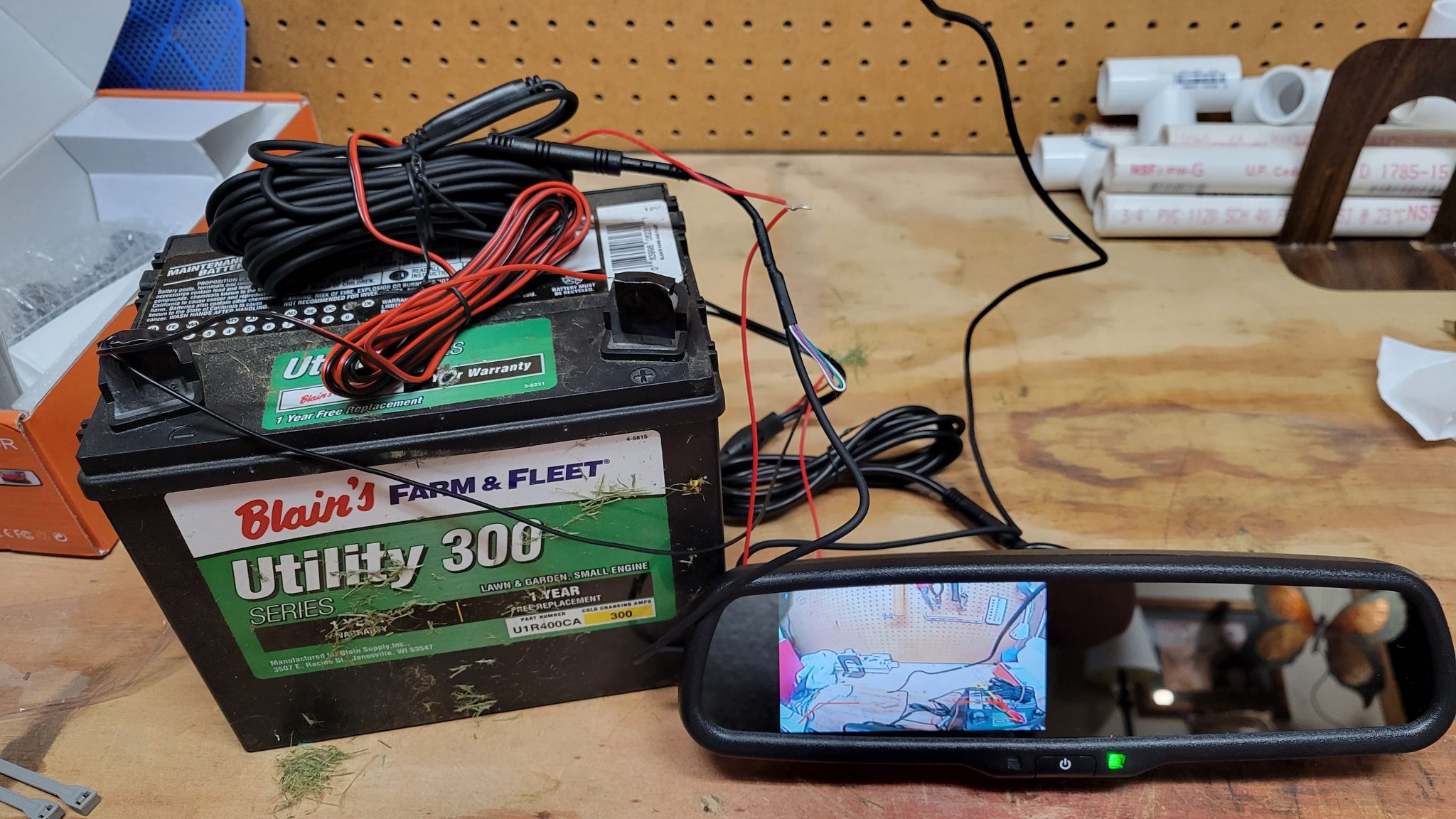
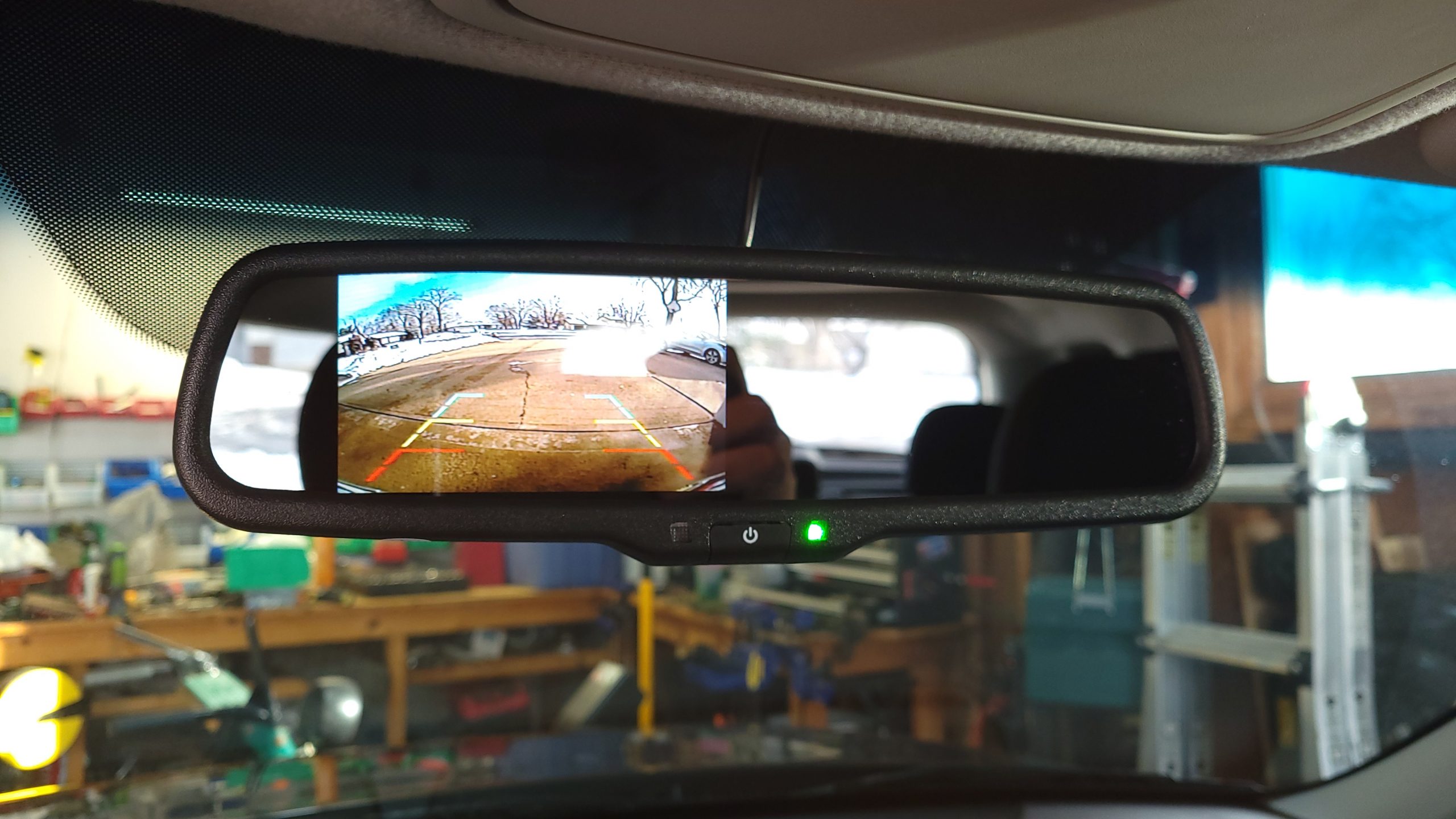
The basic wiring is achieved by tapping into the reverse light wiring at the back of the car. Then, the long black wire pictured above on top of the battery (power and video bundled together) runs up to the front of the car and attaches to the mirror’s power and video wiring. When the car is put in reverse, the mirror and camera turn on and provide the video feed as shown above.
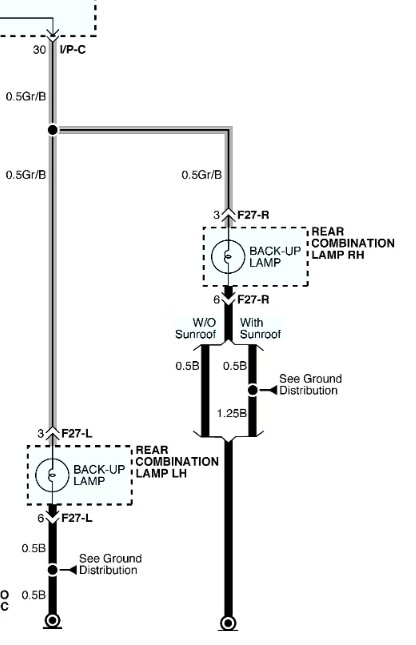
To make sure I was tapping into the correct wire, I tracked down a wiring diagram for the reverse lights on a 2014 Kia Soul (libraries are wonderful things, kids) and found that I would be looking for a grey wire with a black stripe.
Mirror Installation
There was one more thing I wanted to verify before I dove head first into the install. I removed my existing mirror and attached the new one to double-check it would be a simple replacement. Thankfully, it was.
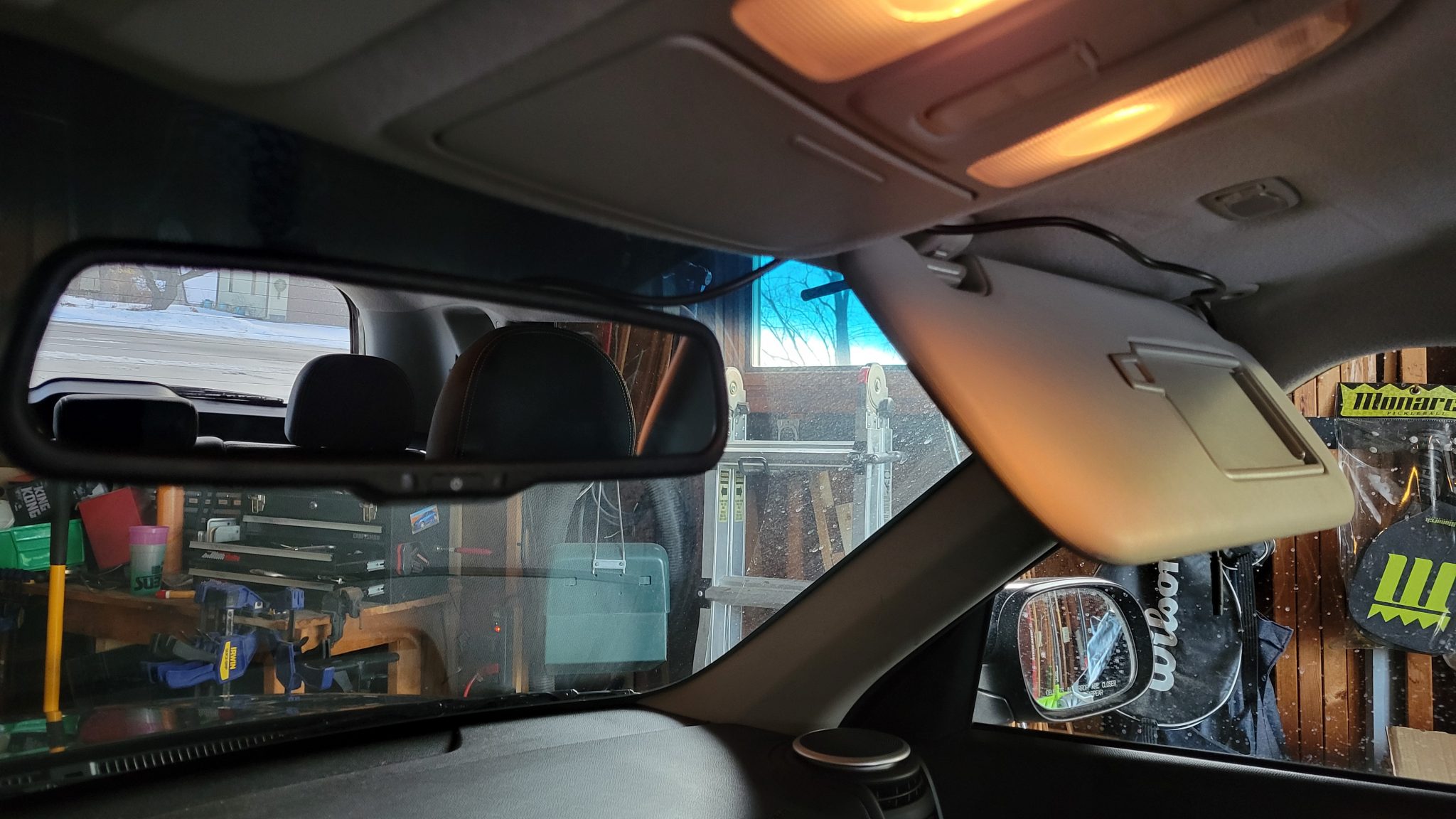
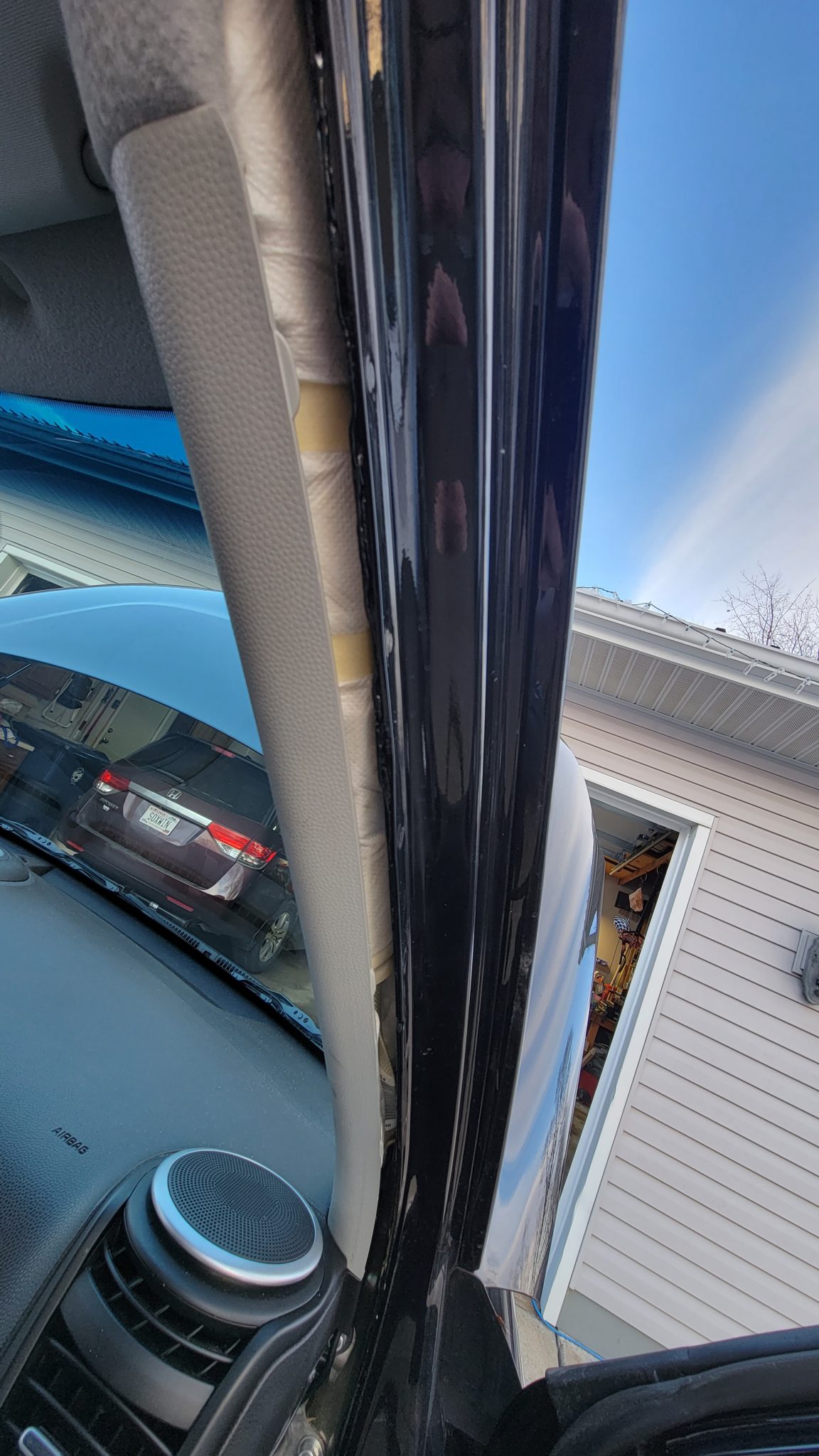
Since the mirror was there already, I decided to run its wiring first. I tucked it above the head liner, running it across the top of the windshield to the passenger side pillar, removing the door seal once I got there to expose the gap between the frame and the pillar cover. In doing so, I discovered I had side-curtain airbags. I did not know that.
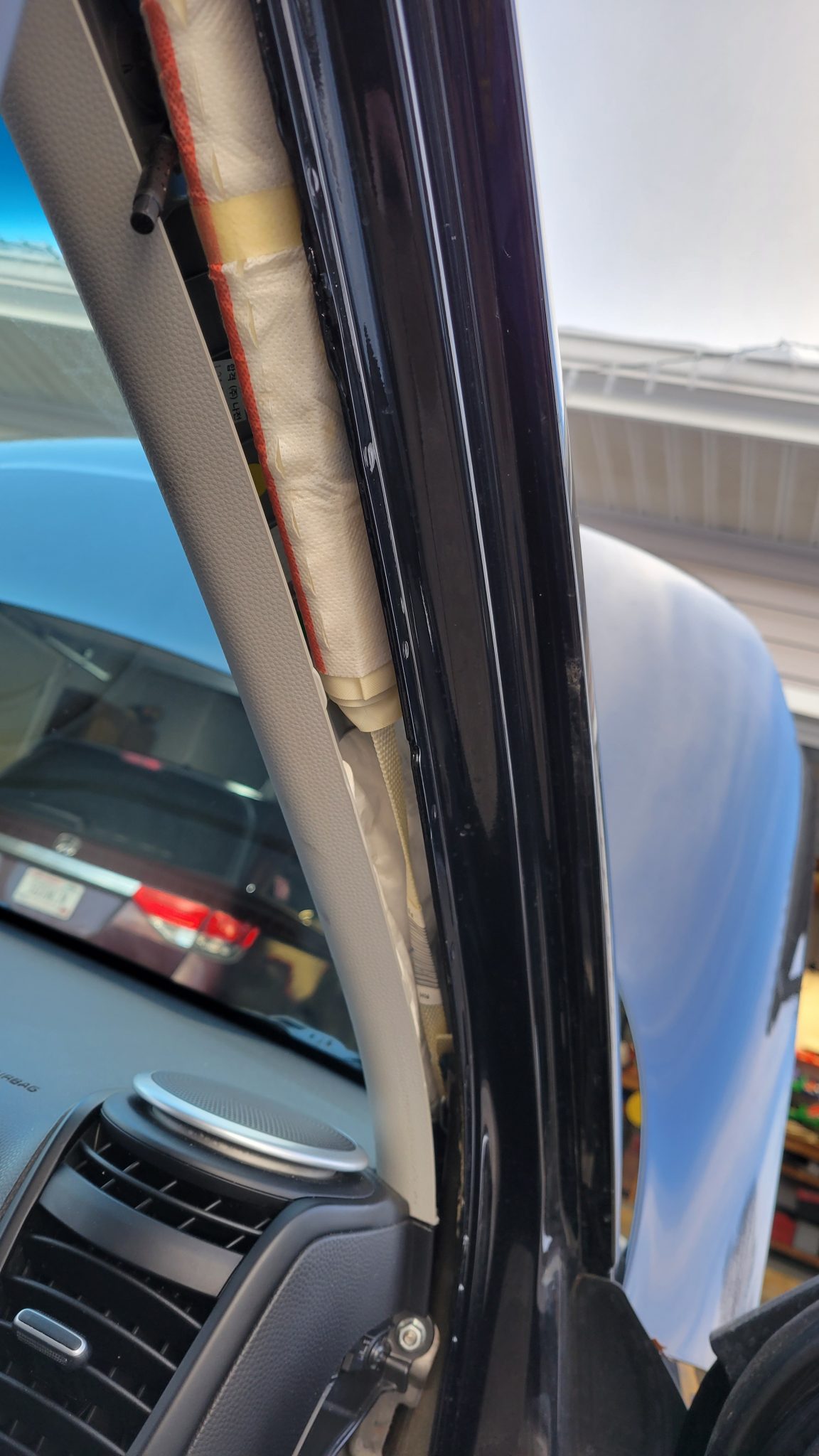
Being careful to avoid the airbag components, I plugged the two sections of the mirror wire together (securing with electric tape) and ran the wire to the bottom of the pillar as shown below.
Running the wire from the bottom of the pillar to the floor was relatively easy once I popped off the access panel on the side of the dashboard.
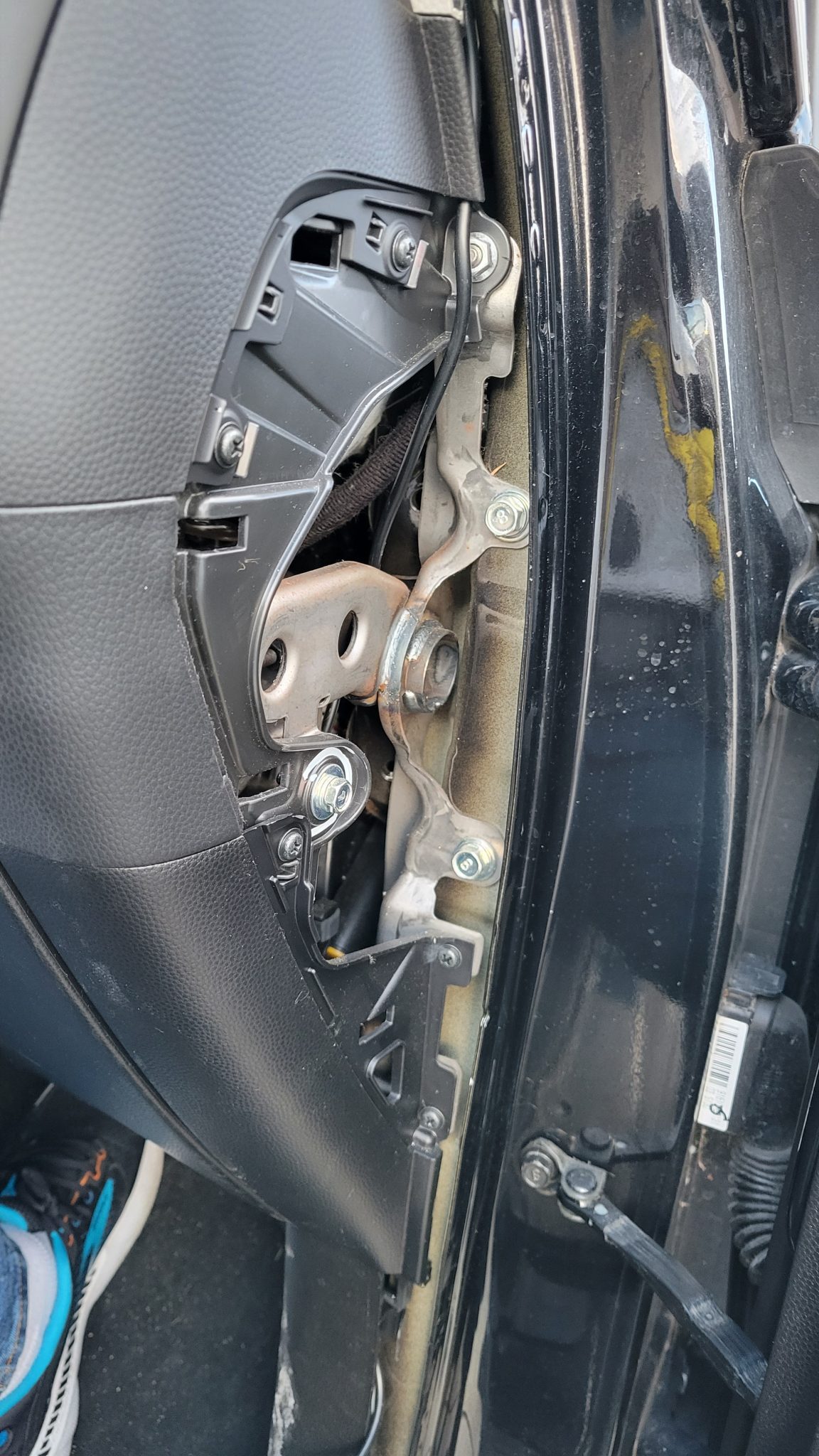
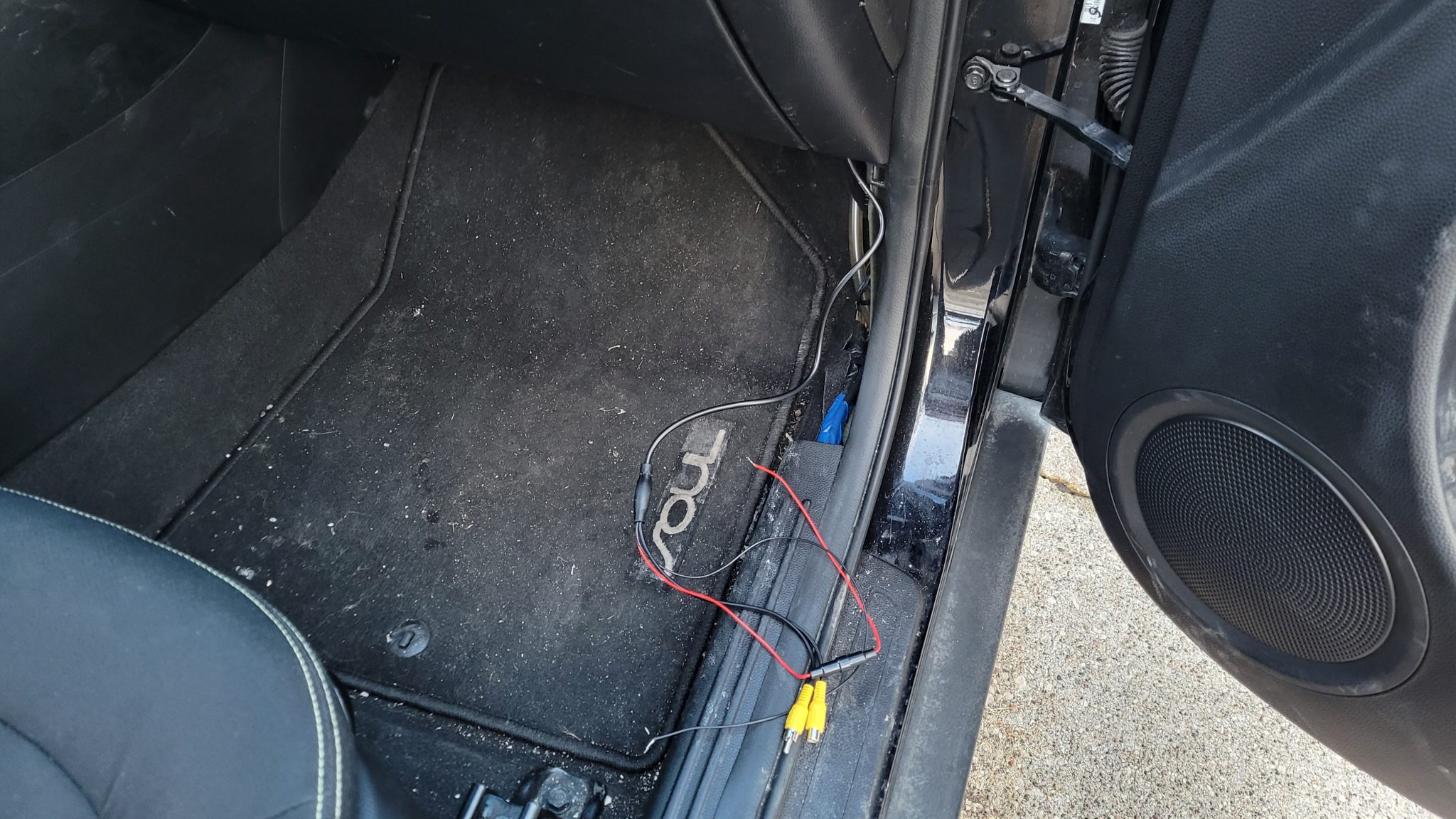
On e that was done, I attached the mirror’s ground wire to an existing ground near in the vicinity.
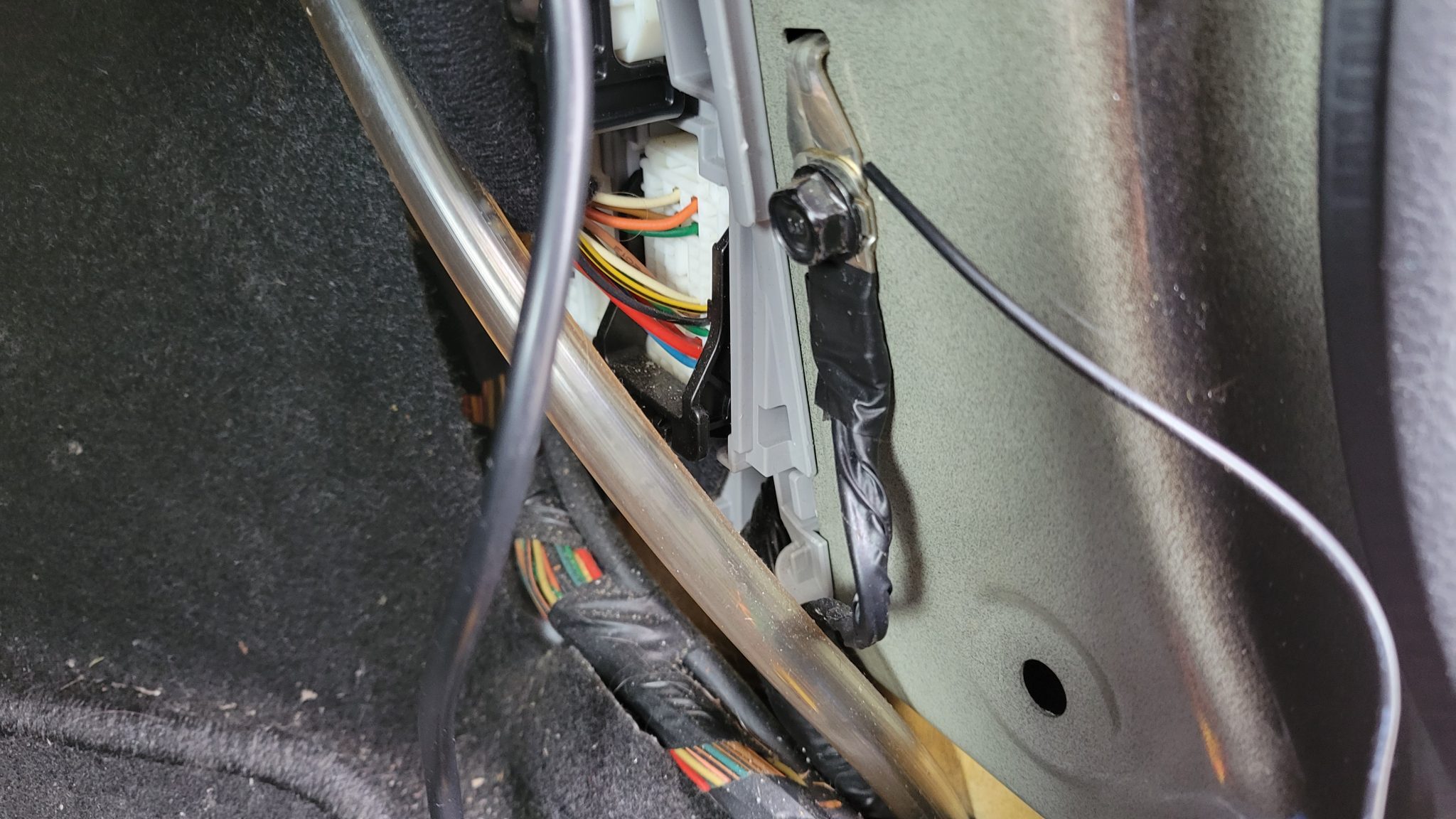
Camera Wiring Threading and Installation
With the mirror wiring looking pretty good, I turned my attention to the back of the car, pulling out the covers, foam trays, etc… to expose the right rear panel. A few pries and pulls later and the wiring was exposed.
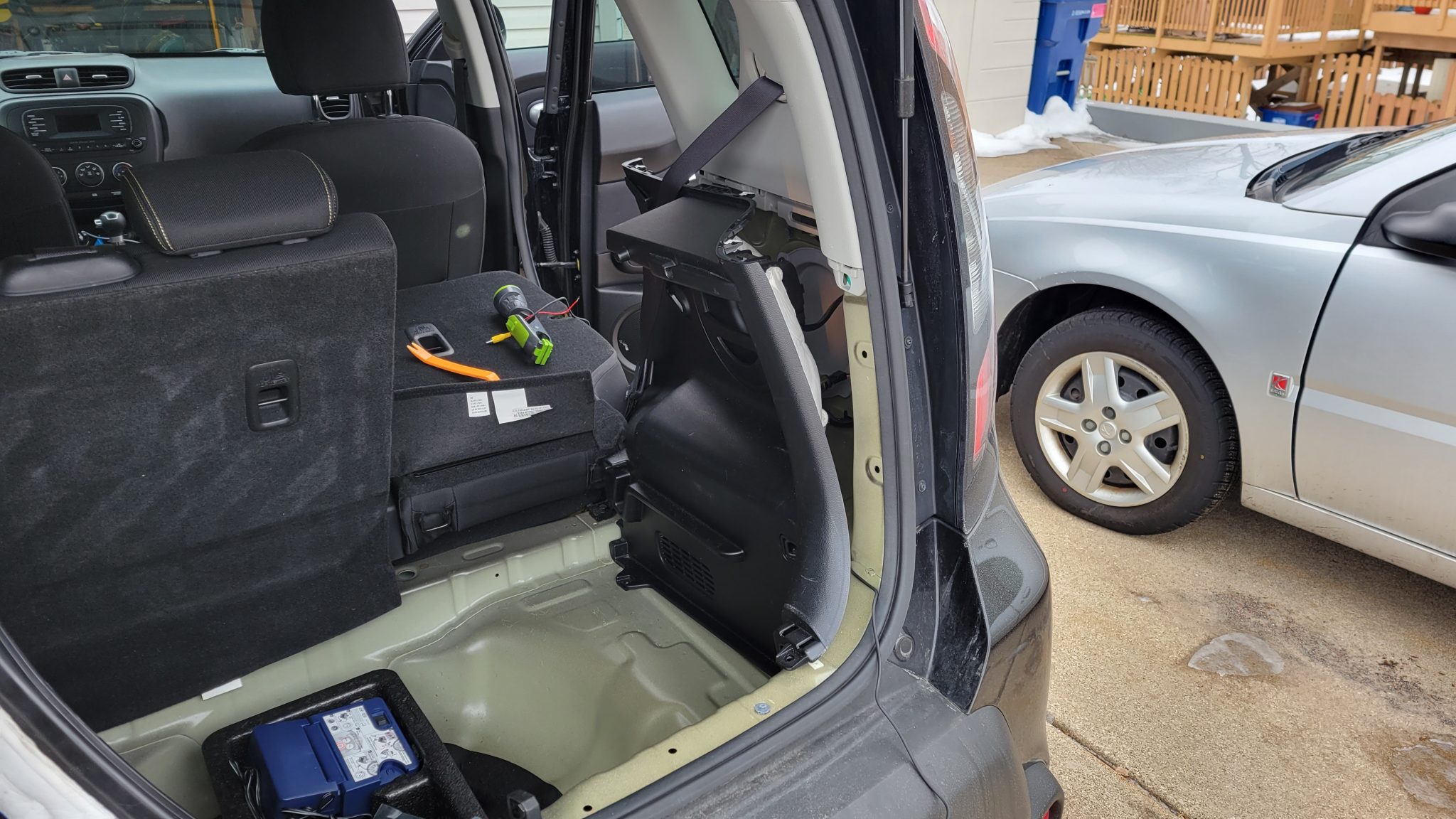
I set about threading the camera wires up to where the mirror wires were waiting. I ran them behind the panel pictured above and down under the seat supports to get to the trim at the bottom of the back passenger door as shown below.
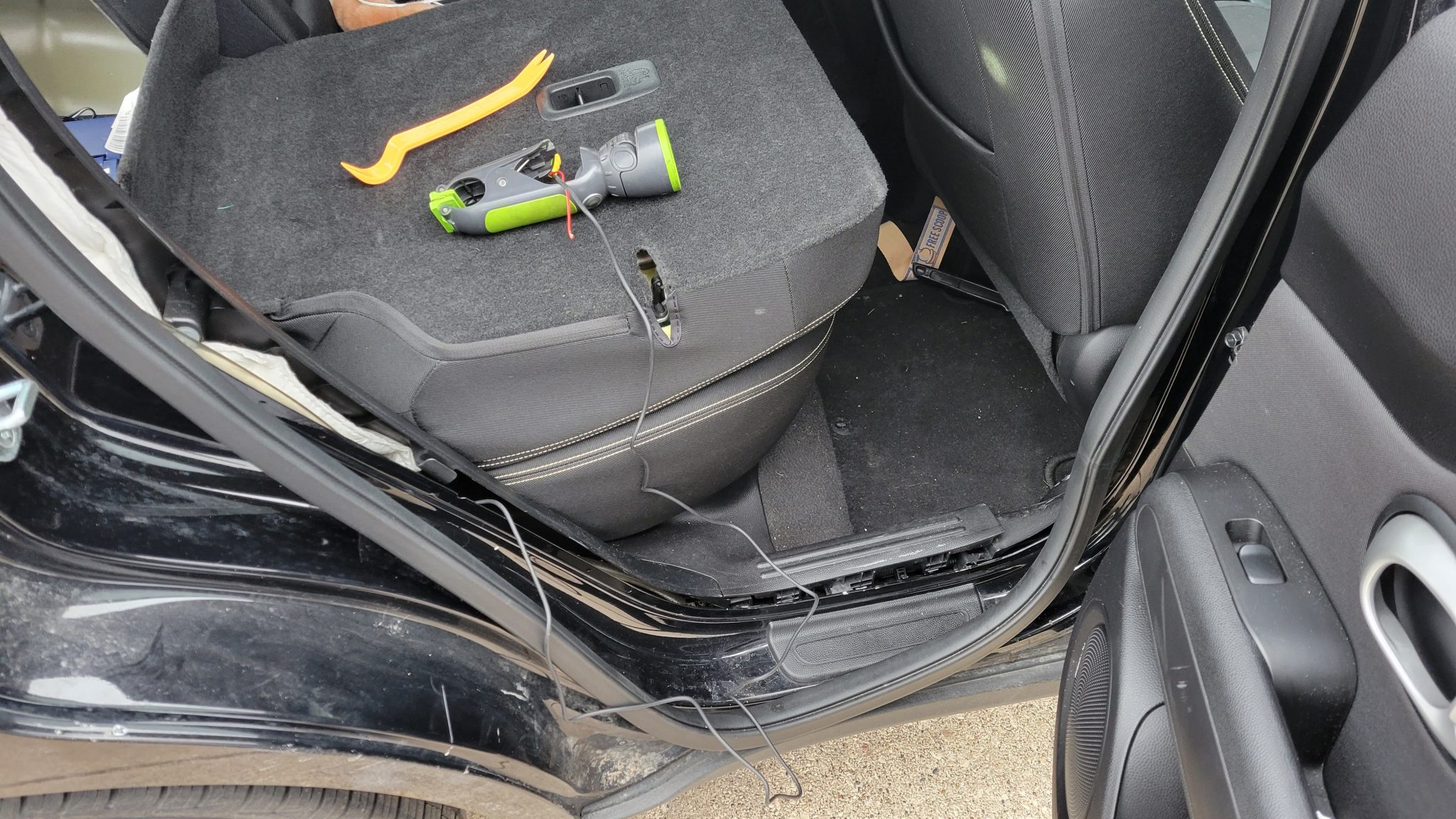
Now, to thread around the main pillar between the front and back doors. Trusty wire cost hanger to the rescue!
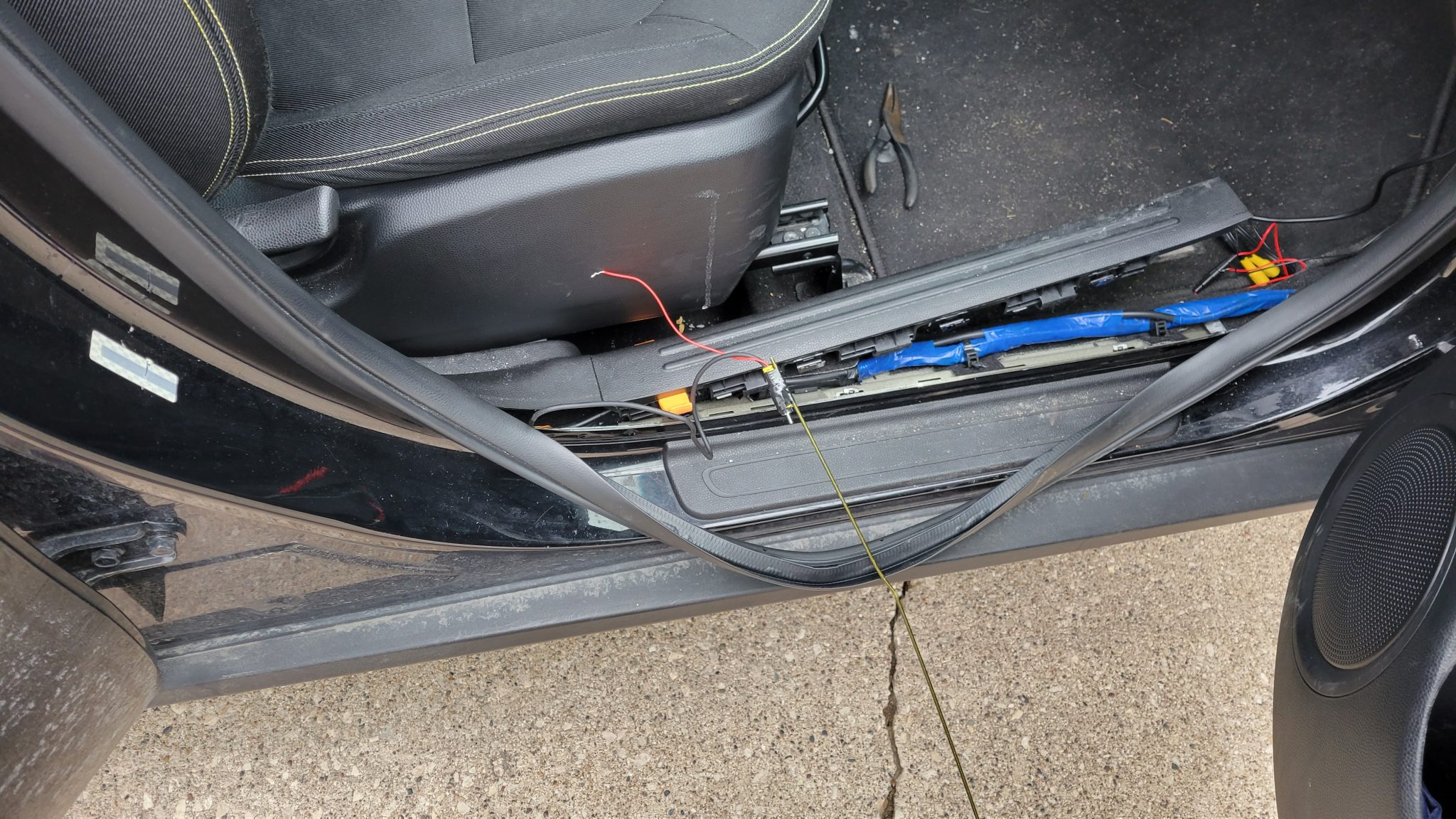
All that was left was to secure the connections to the mirror wires (at the right) and stow the wires behind the kick-panel in front of the passenger front door.
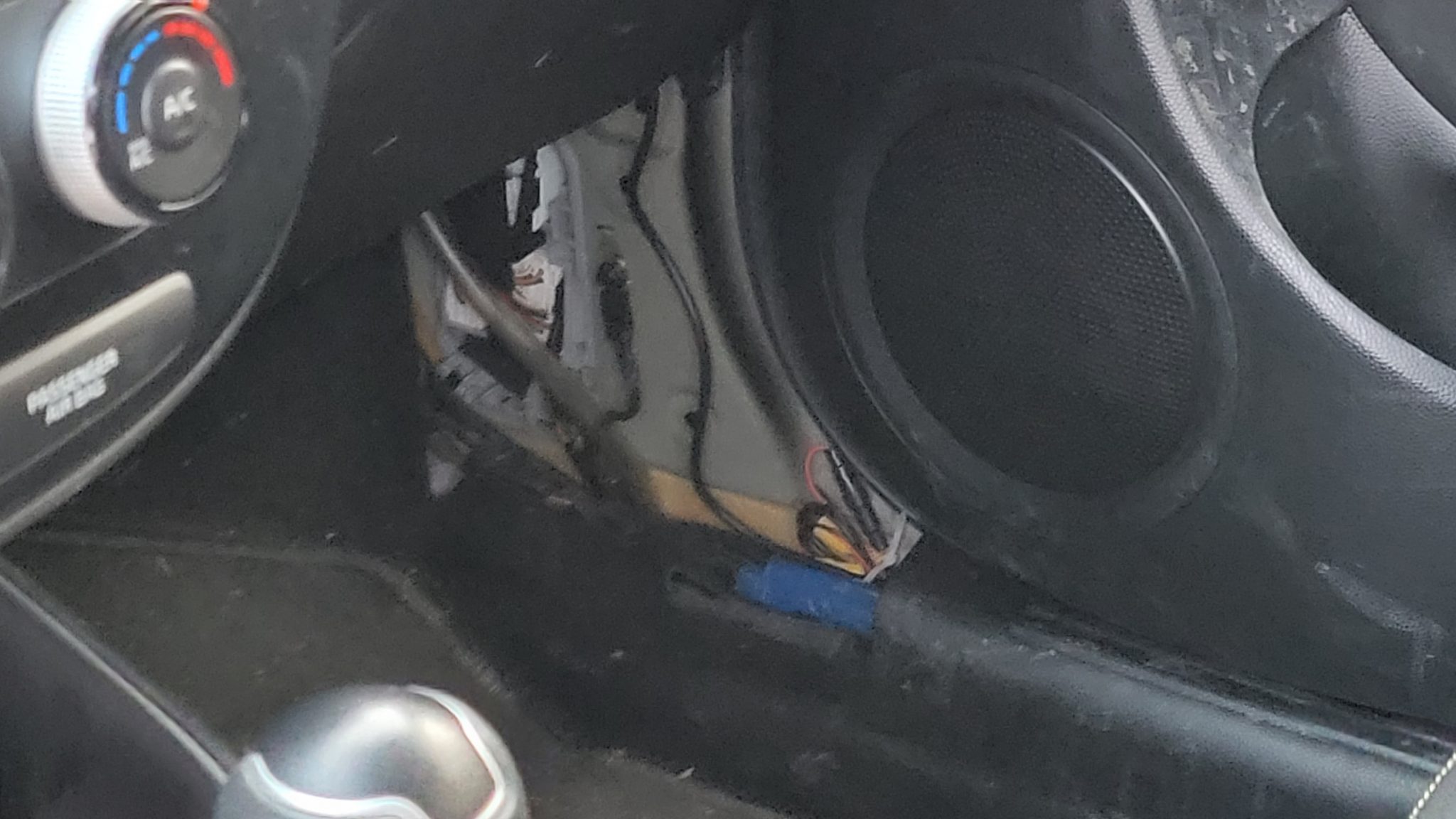
Tapping the Reverse Lamp Wiring
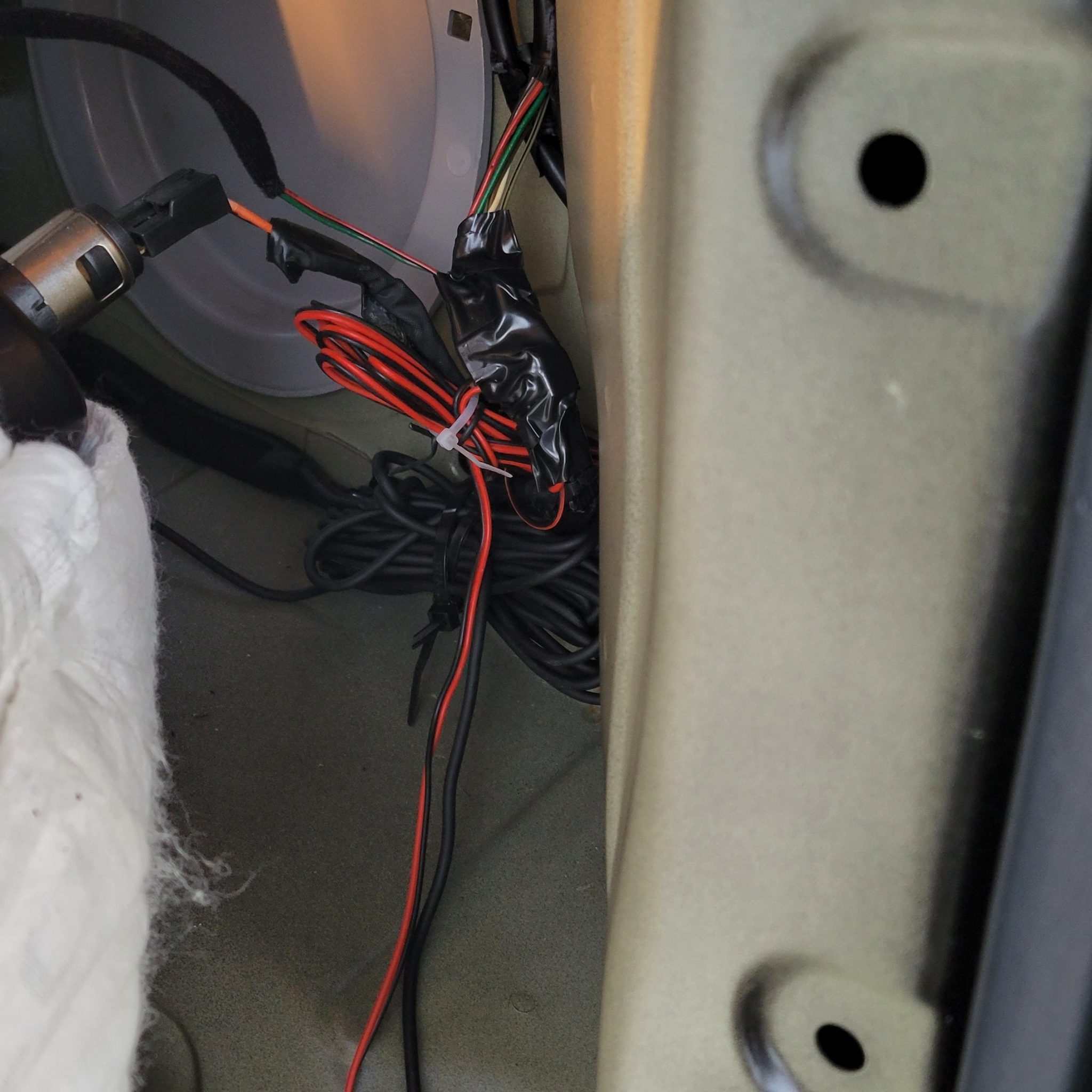
Now, for the wiring in the back. I found the black-striped grey wire to tap into but discovered that there appeared to be two black ground wires in the bundle (as shown below). I took a few minutes to determine that either wire worked as a ground and got my wiretaps ready.
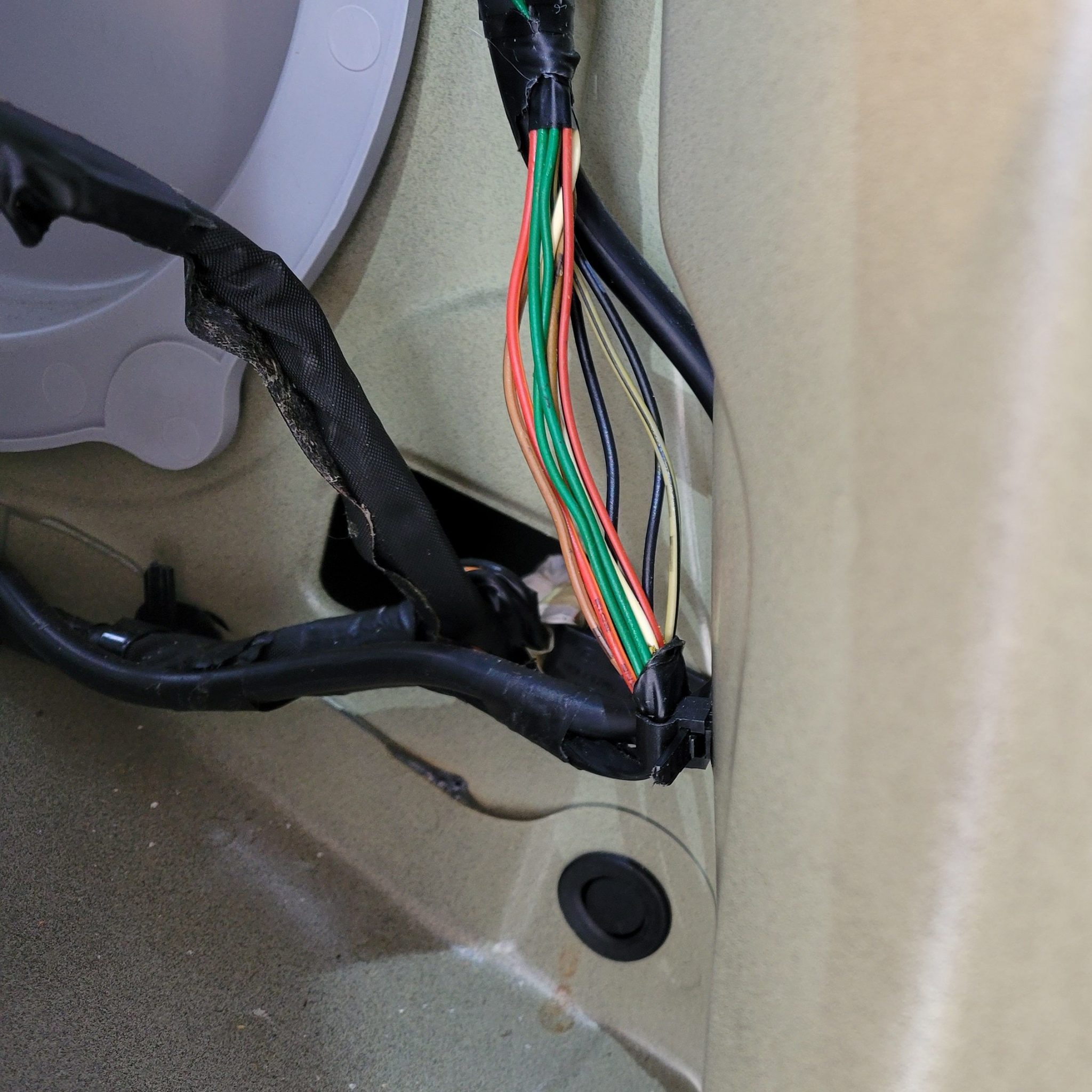
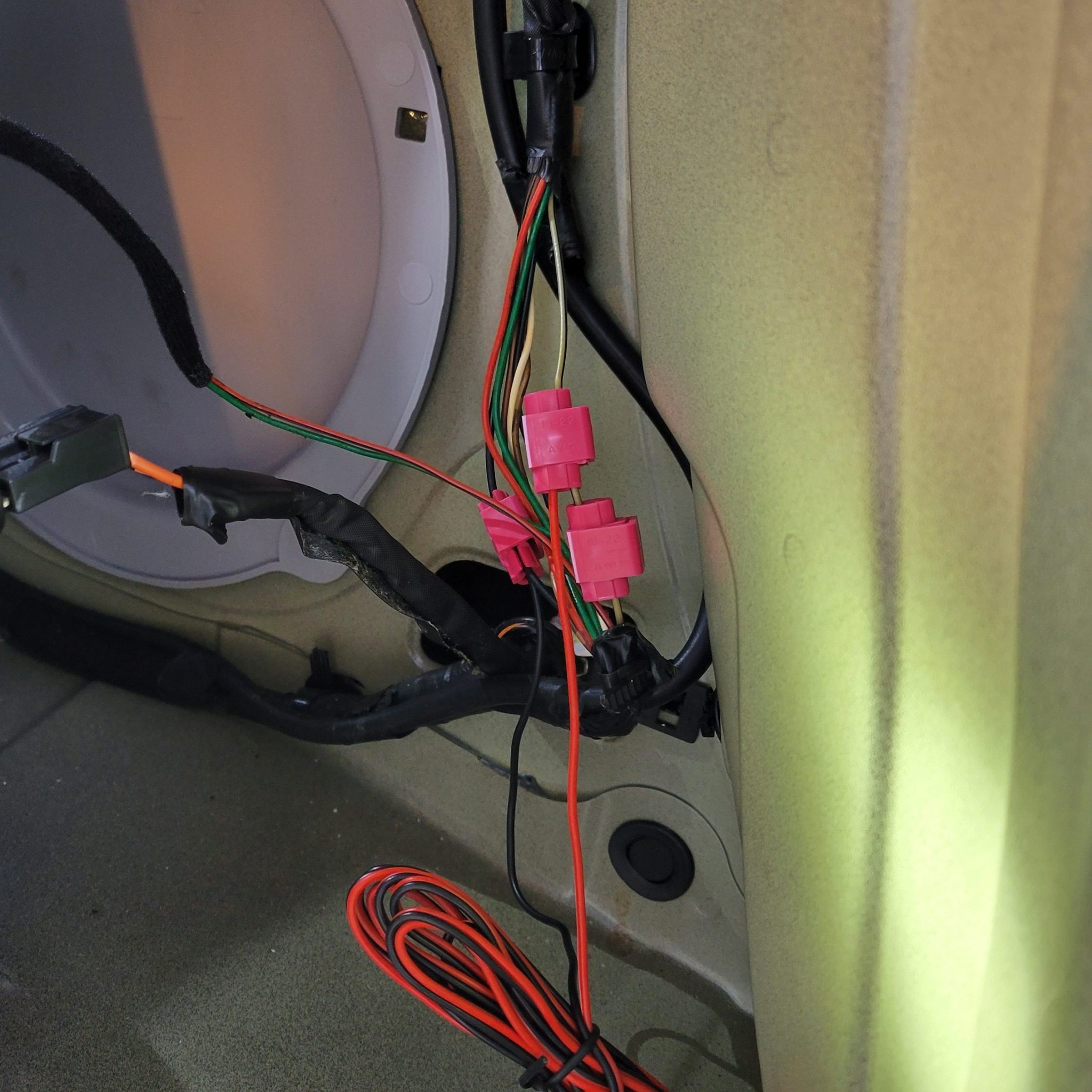
So, uh, yeah. I had some issues with the tap for the positive wire. I ended up accidentally cutting the black-striped grey wire. Oops. I undid some of the factory-installed tape and wire ties to get some slack and spliced it back together. I then got the tap properly installed. It looks a little messy, but there seem to be no ill effects.
Once I was this far, I plugged in the camera and tested things out. Sure enough, I had a backup camera and mirror that turned on when the car was in reverse.
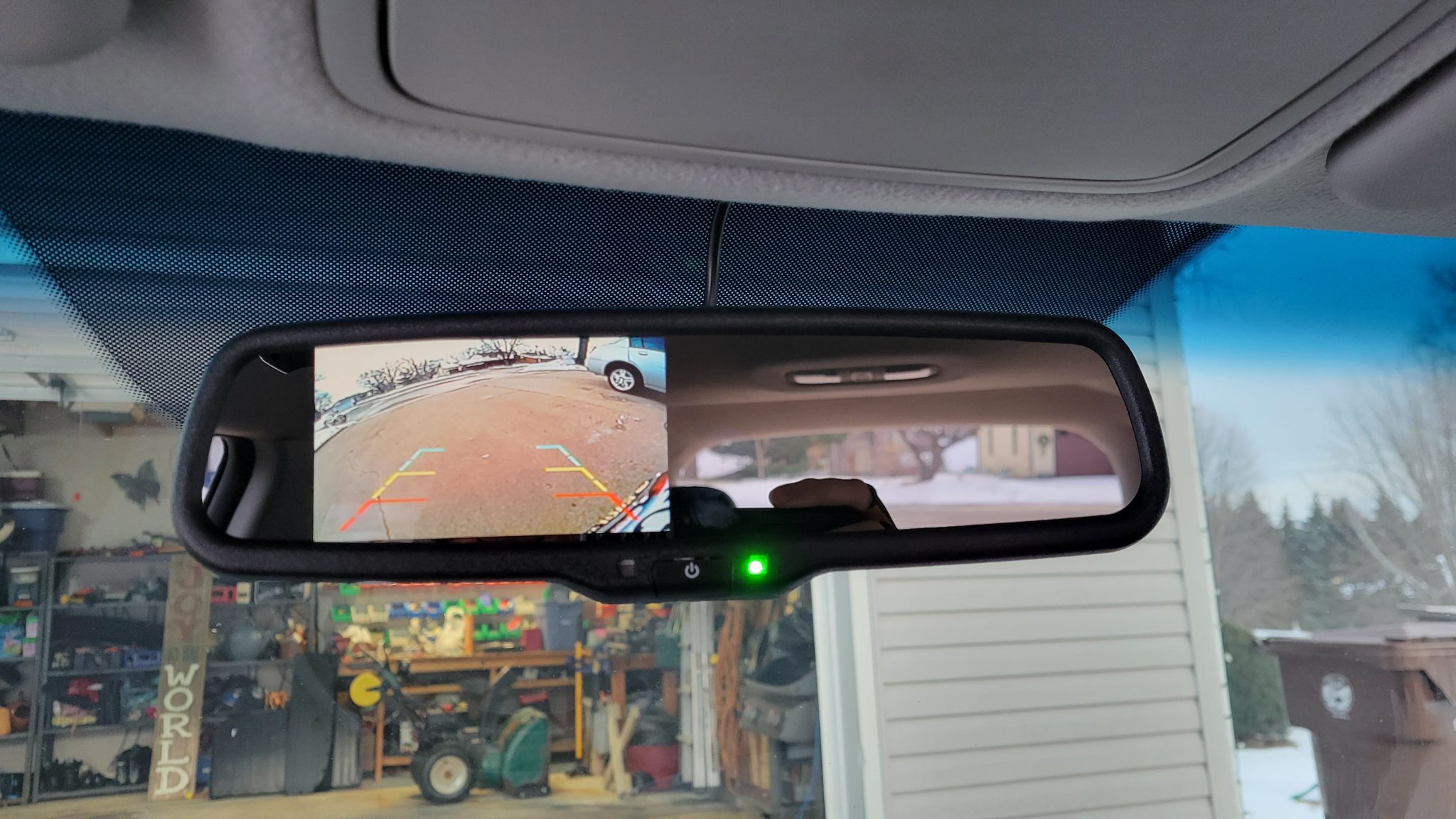
I then taped things up to secure them and reassembled all of the panels. Wiring from the mirror to the camera was done!
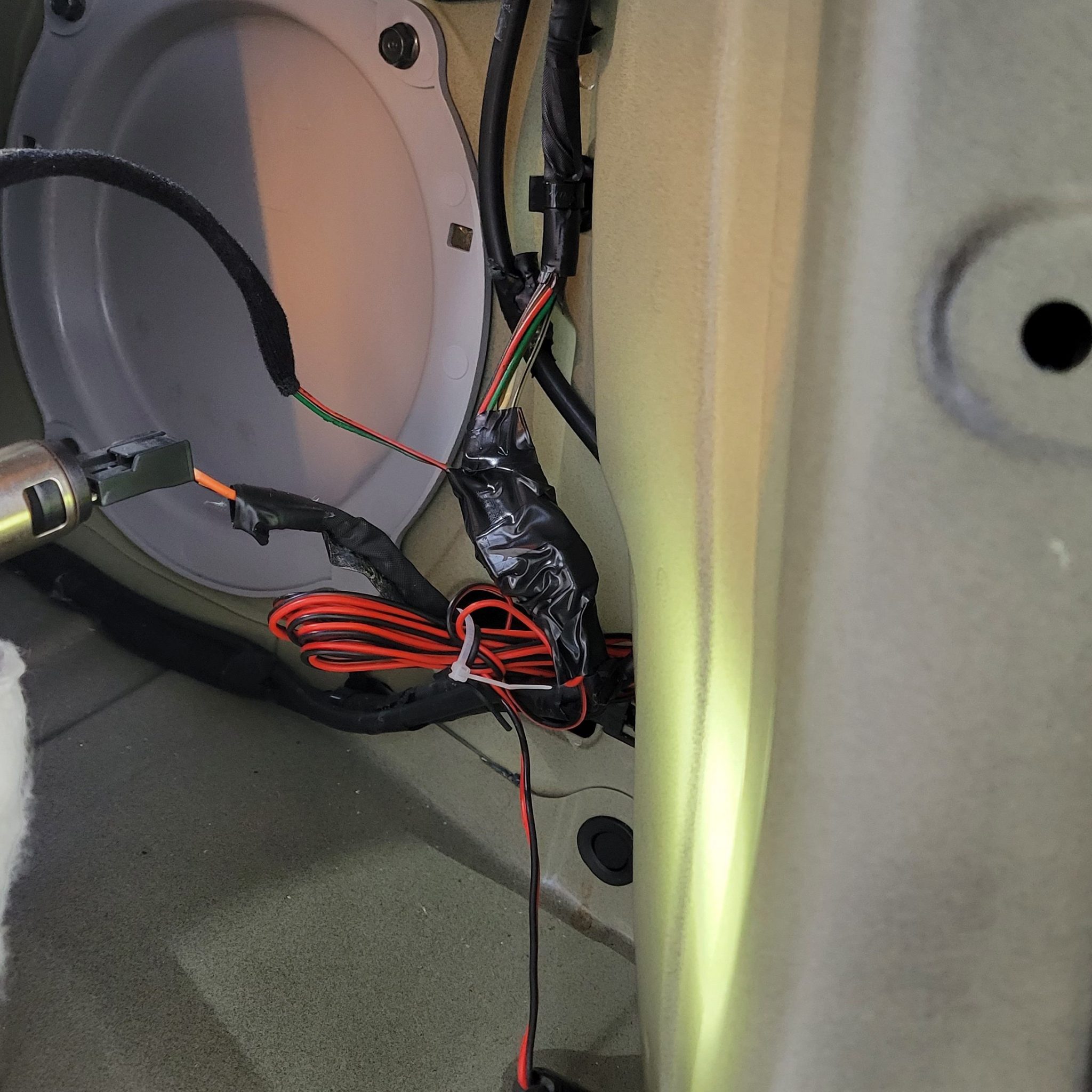
Camera Mounting and Final Wiring
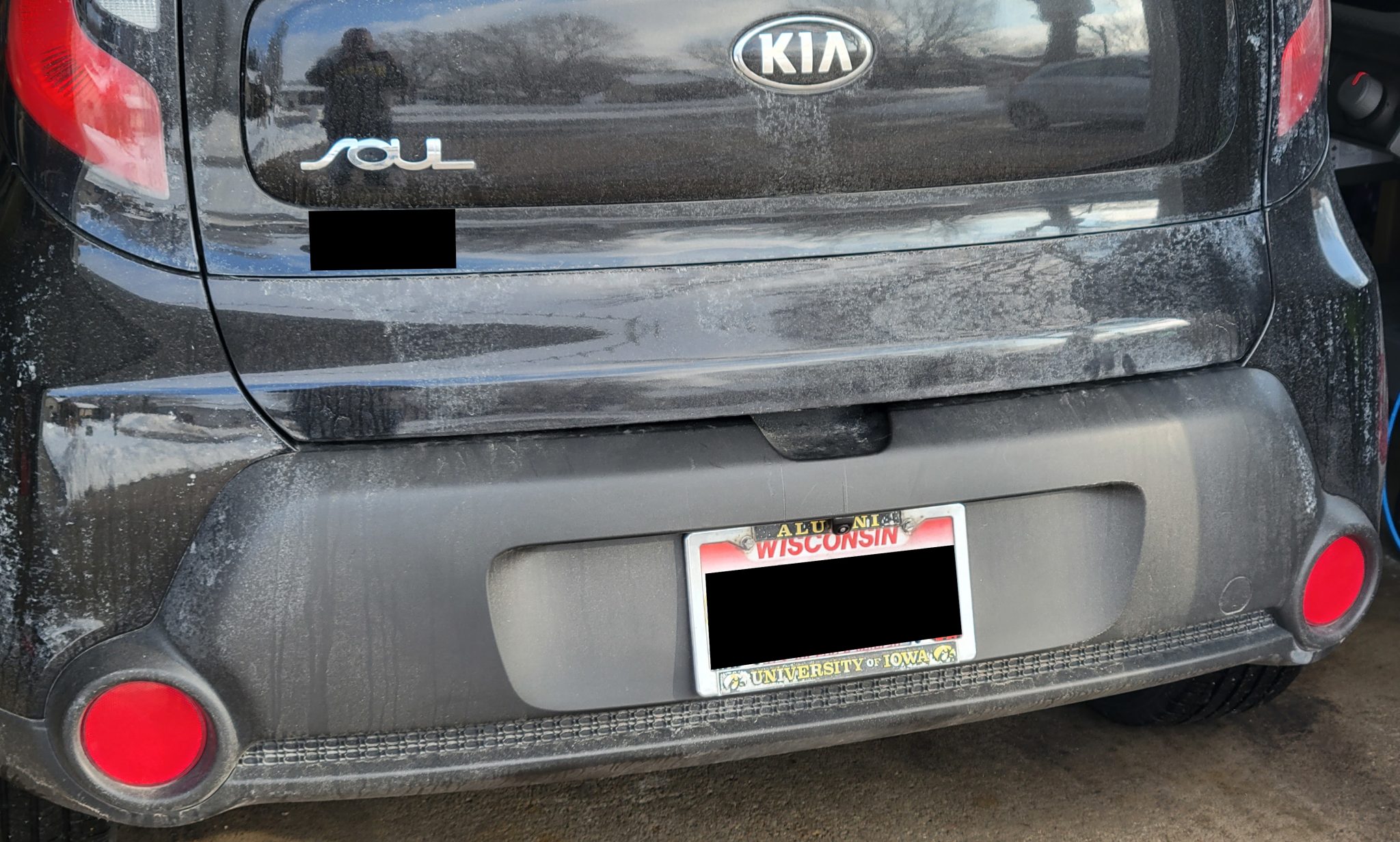
A few days later, I drilled the mounting hole in the back bumper cover directly above the license plate. I threaded the wire through the hole and inserted the camera.
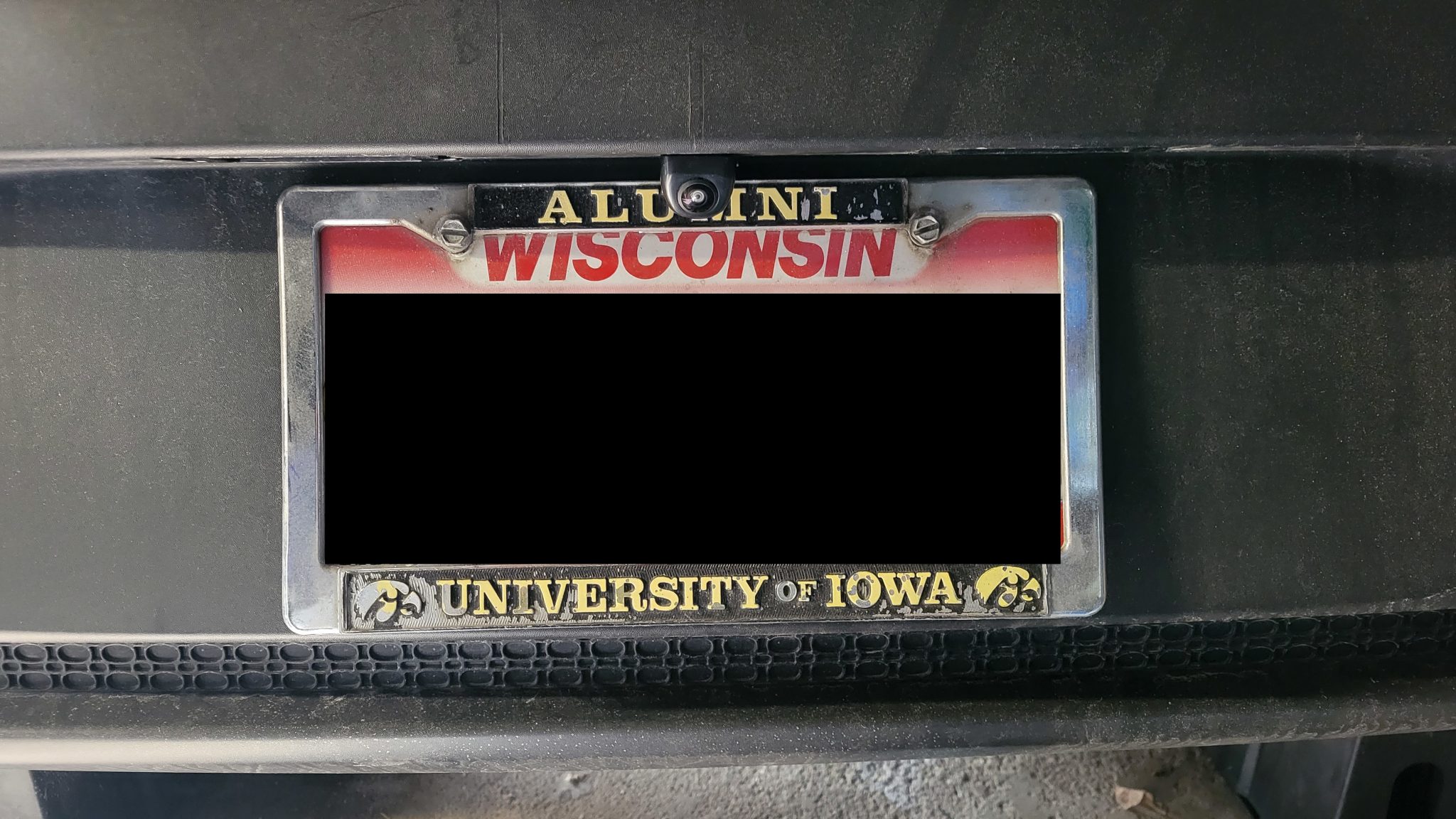
Thankfully, I was able to do this without needing to remove the bumper cover. There was enough room between the cover and the bumper that I was able to reach between them to do the final wiring and tightening.
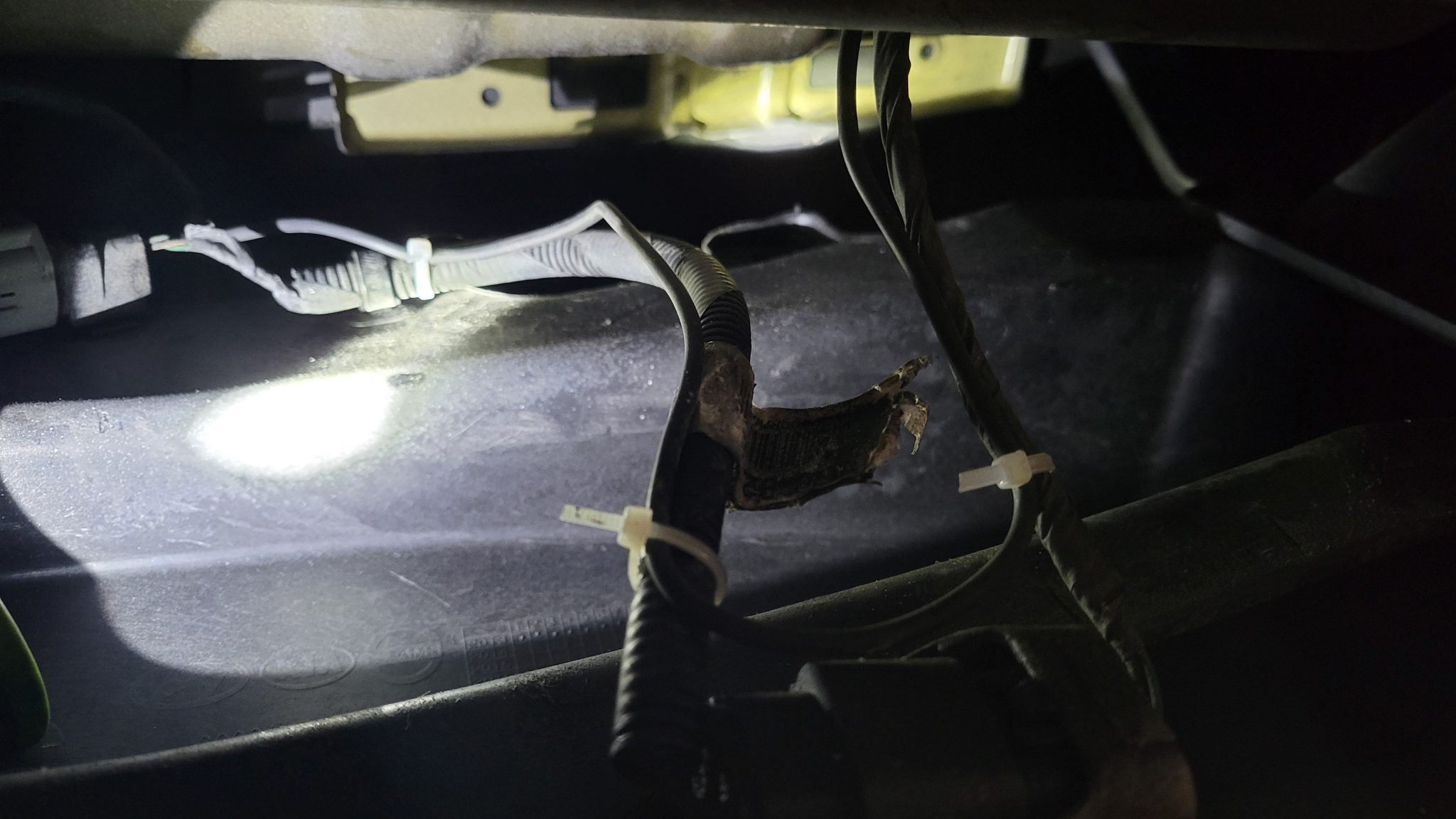
I zip-tied the camera wire to the wires for the license plate lights and fed it through the grommet for those wires into the car.
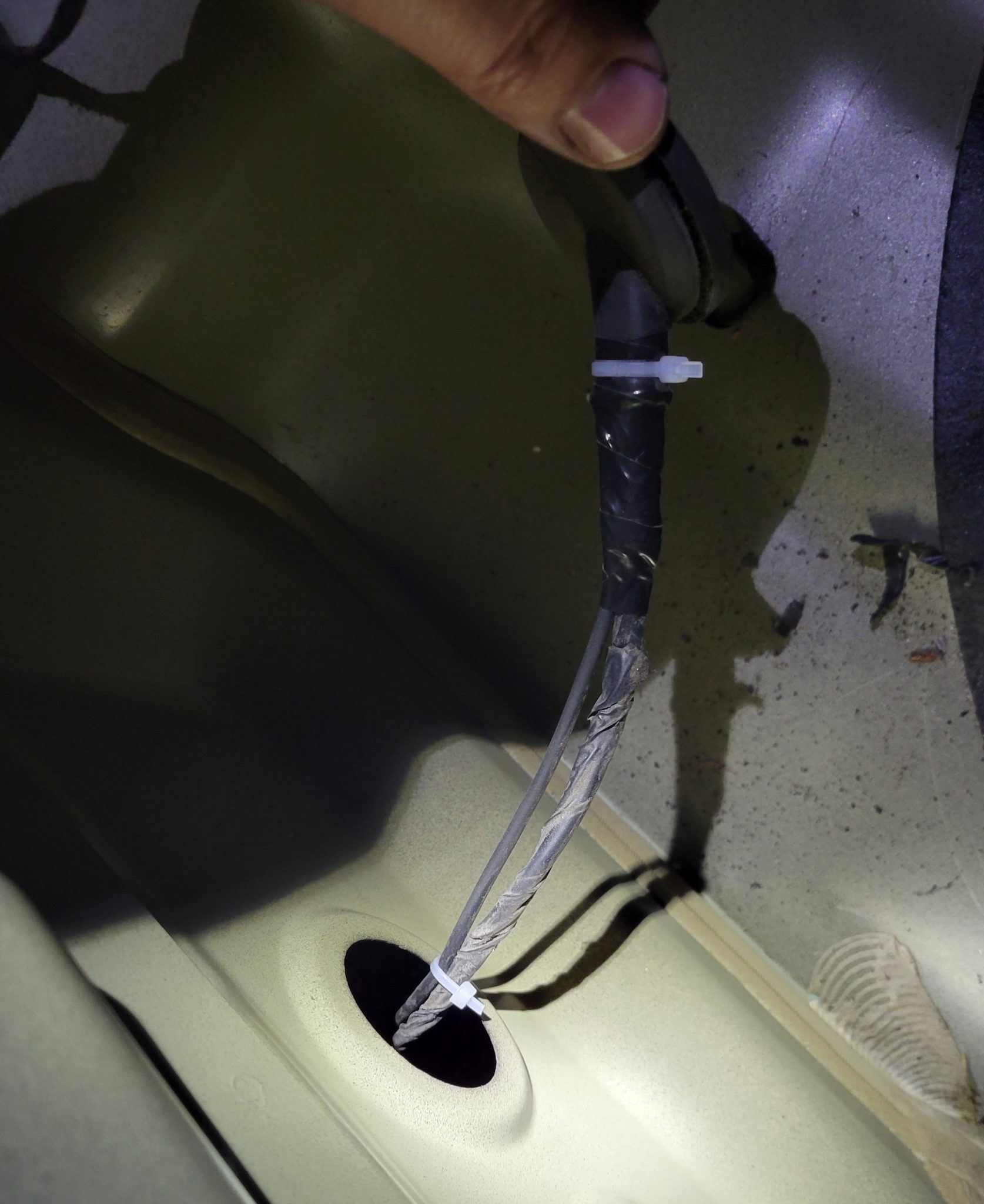
I then replaced the grommet.
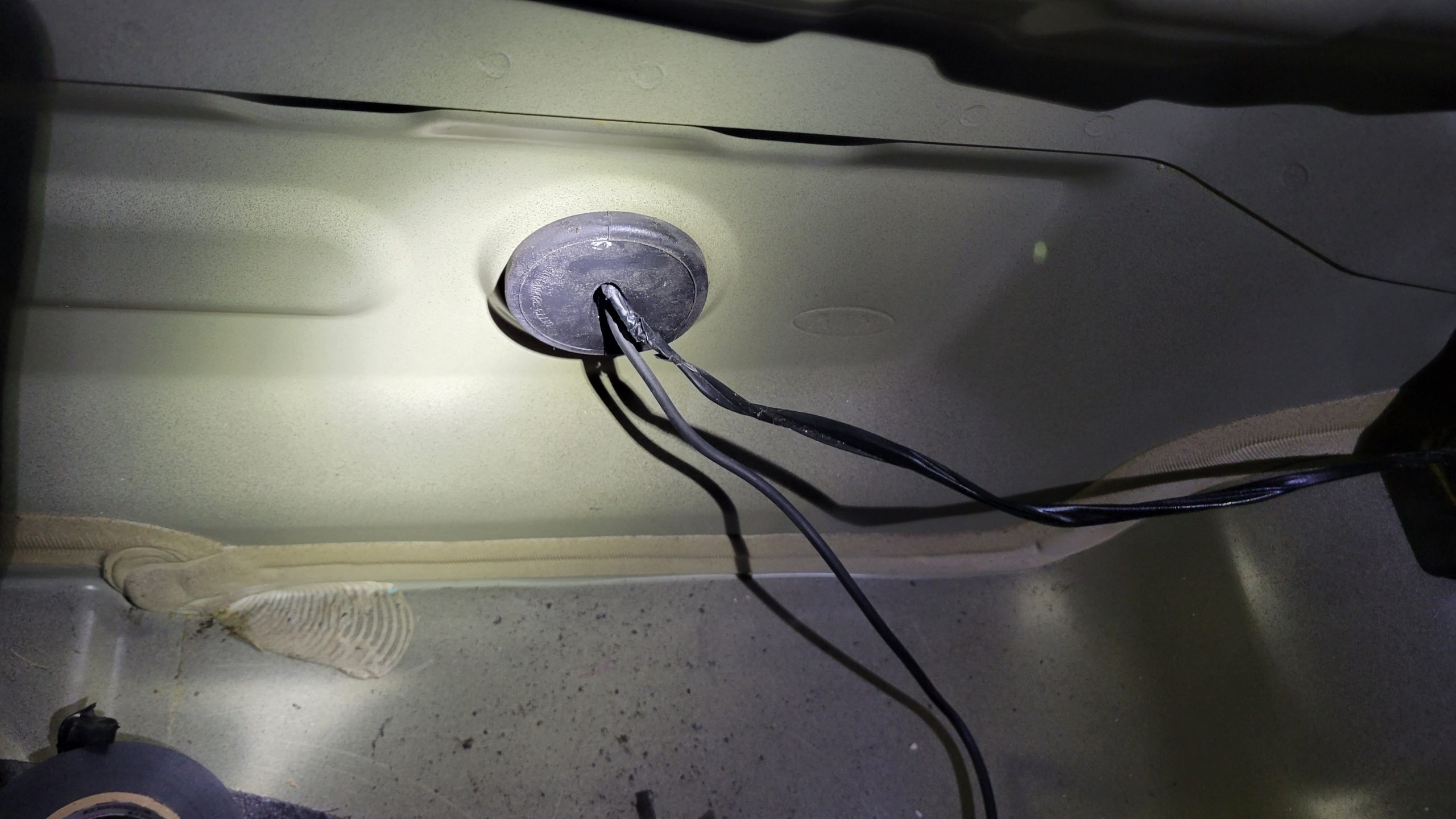
Lastly, I attached the camera wires and attached connected camera wire to the back wall. I then replaced the last panel and tried things out.
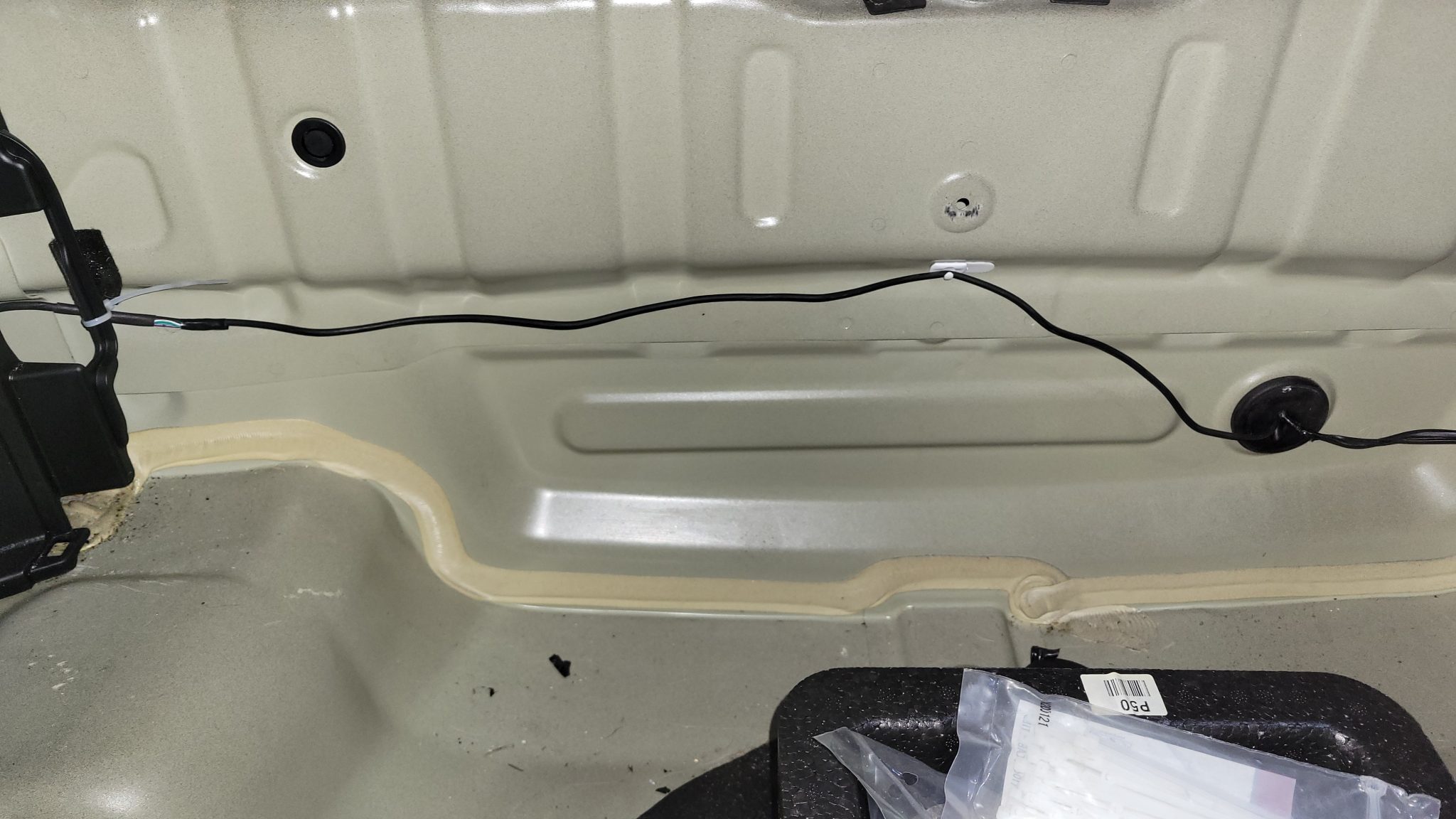
Voila!
Hey, it works!
Here’s the finished view from behind.
Is it the biggest screen, no. Is it the highest resolution, no. However, for less than $100 and a little bit of work, it’s very worth it to have some visibility when backing up.
My son just bought a 2013 Hyundai Elantra GT without a backup camera…hmmm. Double or nothing?
Leave a Reply